


A text-to-speech (TTS) tool made easy Murf AI is a text-to-speech tool that generates voiceovers for online content, like YouTube videos, ads, audiobooks, podcasts, e-learning material, and presentations. It uses ML and AI to generate realistic voiceovers in over 120 voices and 20 languages, translating in minutes like Speak & Translate Voice Alteration and Text Translator . This cloud-based TTS platform is an all-in-one solution that allows content creators, authors, marketers, media producers, software developers, and instructors to convert scripts into natural-sounding audio.
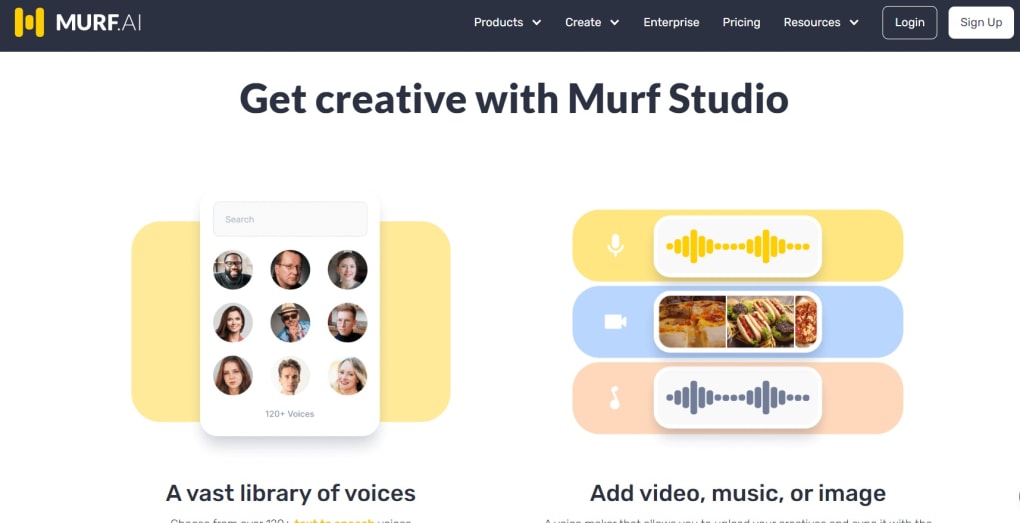
Users can add images, music, and video, as well as sync all their elements seamlessly in one place. How does it work? Like any web-based TTS tool , Murf works by using text input.
However, unlike other AI text-to-speech tools , it allows users to select from 120+ voices and filter through age groups, genders, and locales. Users can also select the style (e.g., general, cheerful, aspirational, newscast, inspirational, narration, conversational, promo) and the field of application (e.g., podcast, e-learning, tutorial). What can users do with it?
Users can sync voice with visuals seamlessly, change pitch, volume, speed, emphasis, and pronunciation, add video and music, and convert recordings into professional-sounding voiceovers. They can also use this simple DIY TTS tool like Voice Candy to edit their own voice for eLearning material, YouTube content, podcasts, app demos, games, ads, IVR phone systems, and audiobooks. Turn text into professional voiceovers Rather than hire a voice actor, prepare a script, organize studio recordings, edit audio, add visuals, and sync everything together, Murf users can leverage the power of AI to generate voiceovers automatically from texts.
With pre-loaded voices, support for multiple languages, and inflection control, this AI TTS software simplifies and speeds up the entire production and editing cycle tremendously.



.png)



